ProductsLive
Castfold
Run many YouTube channels like one.
The cockpit for several YouTube channels: AI channel concepts, uploads by posting rules, analytics and a ranking across all channels, an AI advisor per channel and a video studio that shows the price before every run. €19 per active channel per month incl. 19 % VAT.
01
The problem
Anyone running several YouTube channels tests niches instead of betting on a single channel. The question is the same every week: which channel deserves next week’s work? As long as every channel lives in its own YouTube Studio, there is no answer at a glance.
Castfold brings all channels into one cockpit. New channels start from a keyword as a concept with name, description, niche and first video ideas; existing ones come in with their videos and analytics. You schedule uploads by rules per channel, and Castfold spreads them over the day so that nothing looks automated. Dashboard and ranking show across all channels where your time belongs.
Where YouTube sets limits, Castfold says so. Channels, handles and profile pictures cannot be created through the API, so a checklist walks you through exactly those steps. The AI advisor’s recommendations are hypotheses from your data, not a growth guarantee; the insights show afterwards whether they worked. In the video studio the price is fixed before every run.
For agencies, client channels sit in separate accounts, kept apart by channels, data and AI costs. Every AI call is logged, and the cost per channel can be passed on. Castfold is in daily use with us. Castfold is not affiliated with YouTube or Google.
02
In three steps
Design channels
A keyword becomes a concept with name, description, niche, video ideas, avatar and banner. Existing channels come in with their videos and analytics.
Schedule uploads
Posting rules per channel, next free slot, a weekly grid up to 12 months ahead. Castfold uploads scheduled videos to YouTube right away, and they publish exactly on your date.
Steer the portfolio
Dashboard and ranking across all channels: momentum, YPP forecast and recommendations that show which channel deserves next week's work.
03
What's inside
05
A look inside
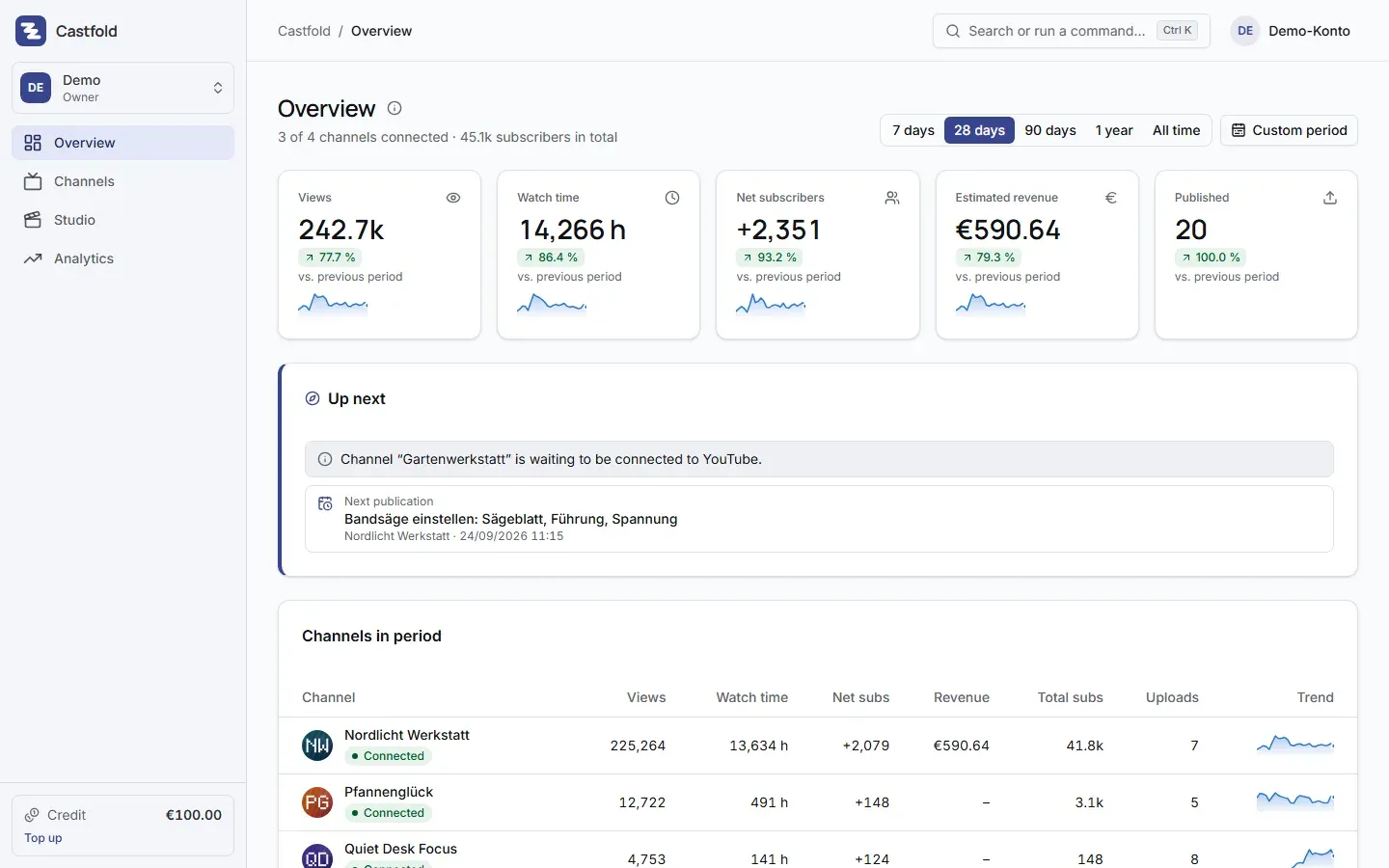
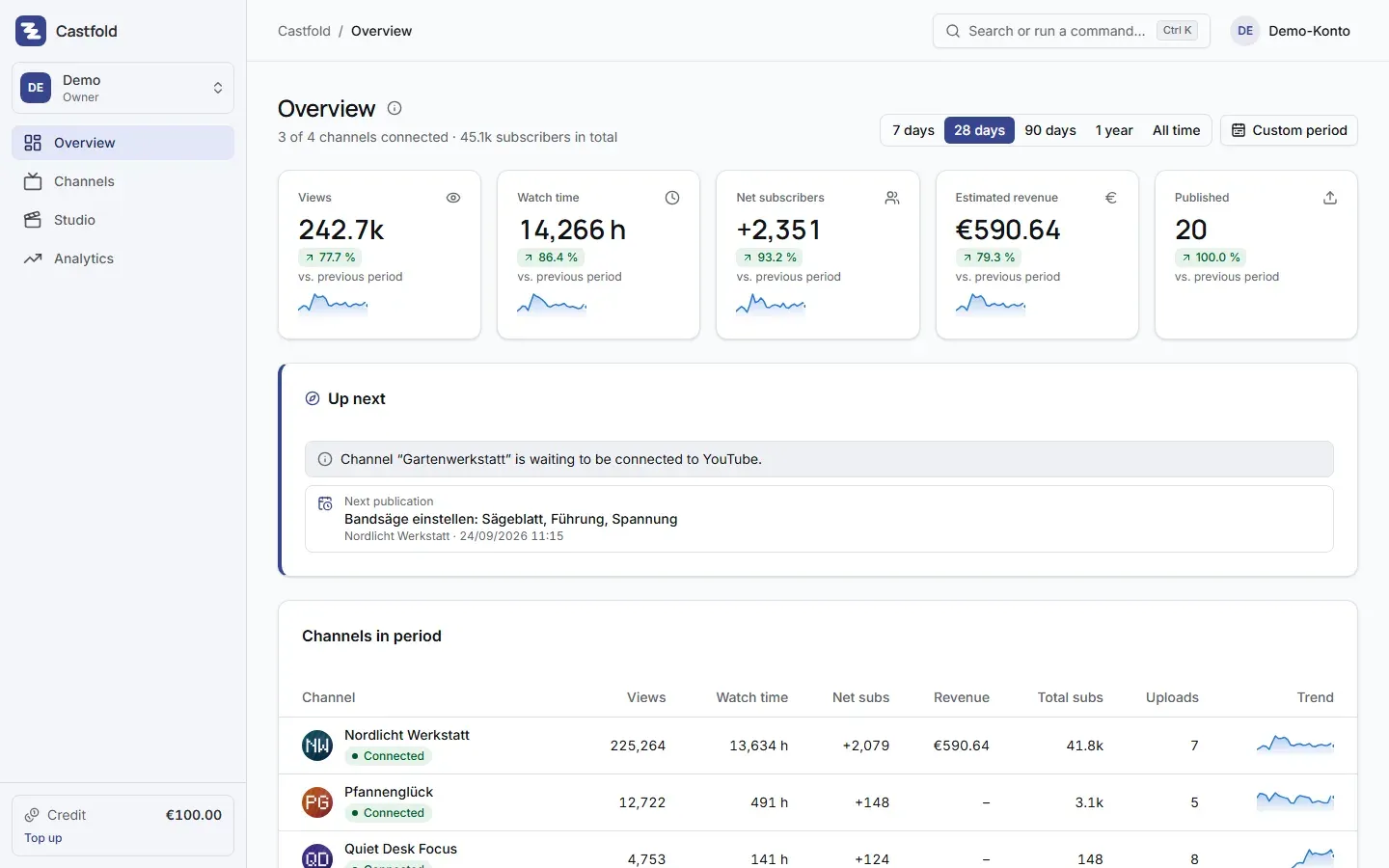
Overview: key figures of all channels for the selected period and the next publications (demo account)
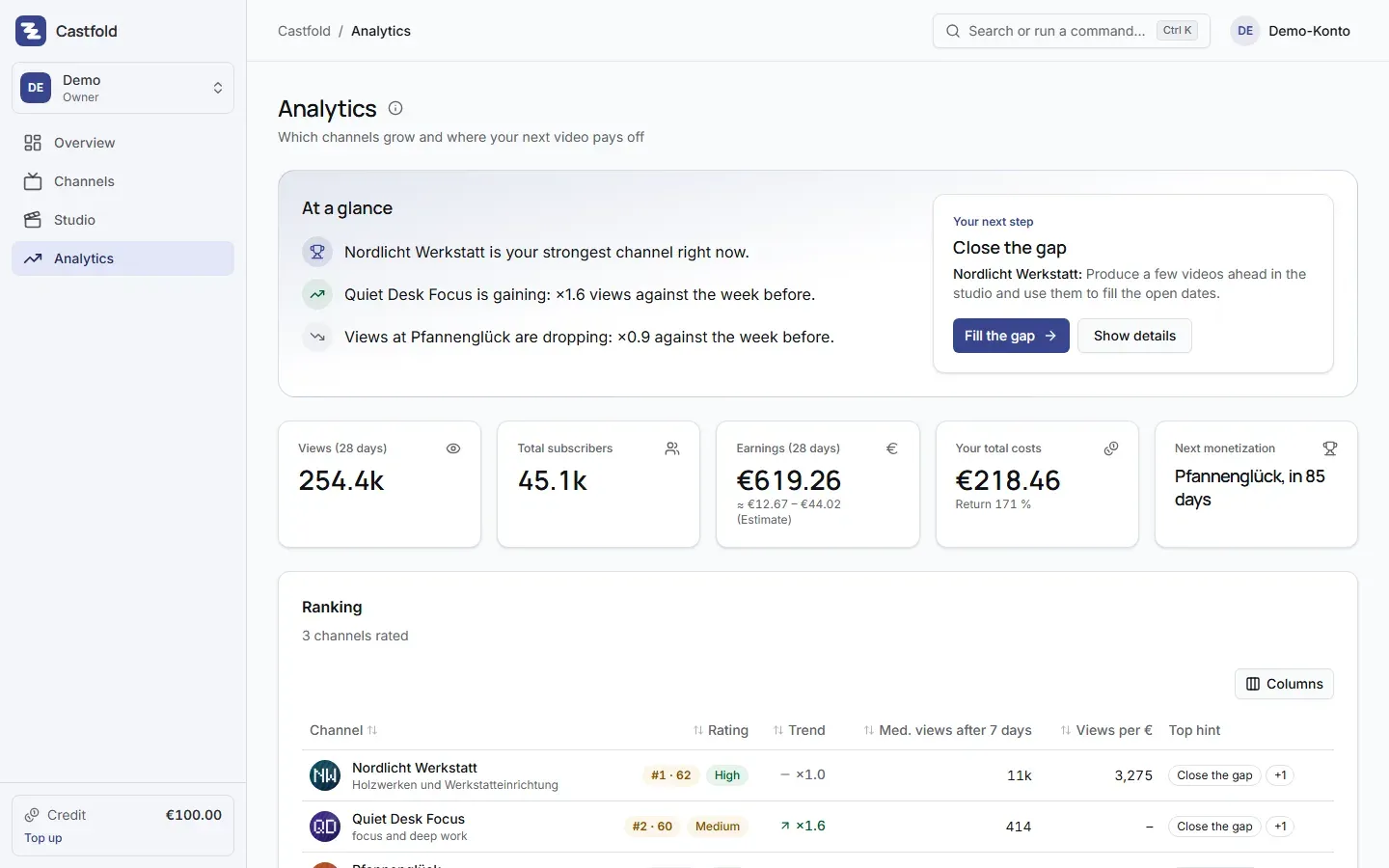
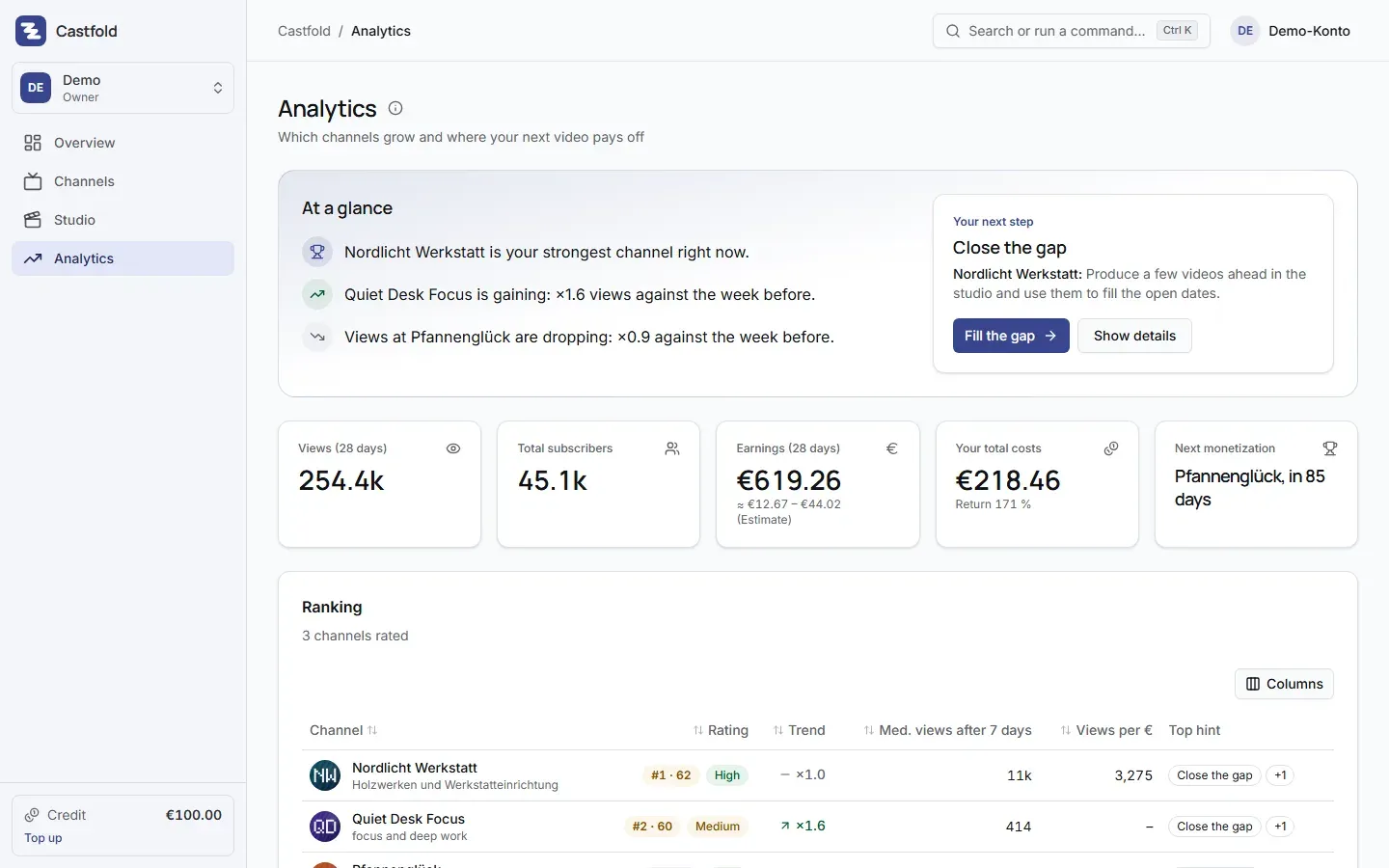
Insights: which channel is growing, ranking with score and trend, recommended next step
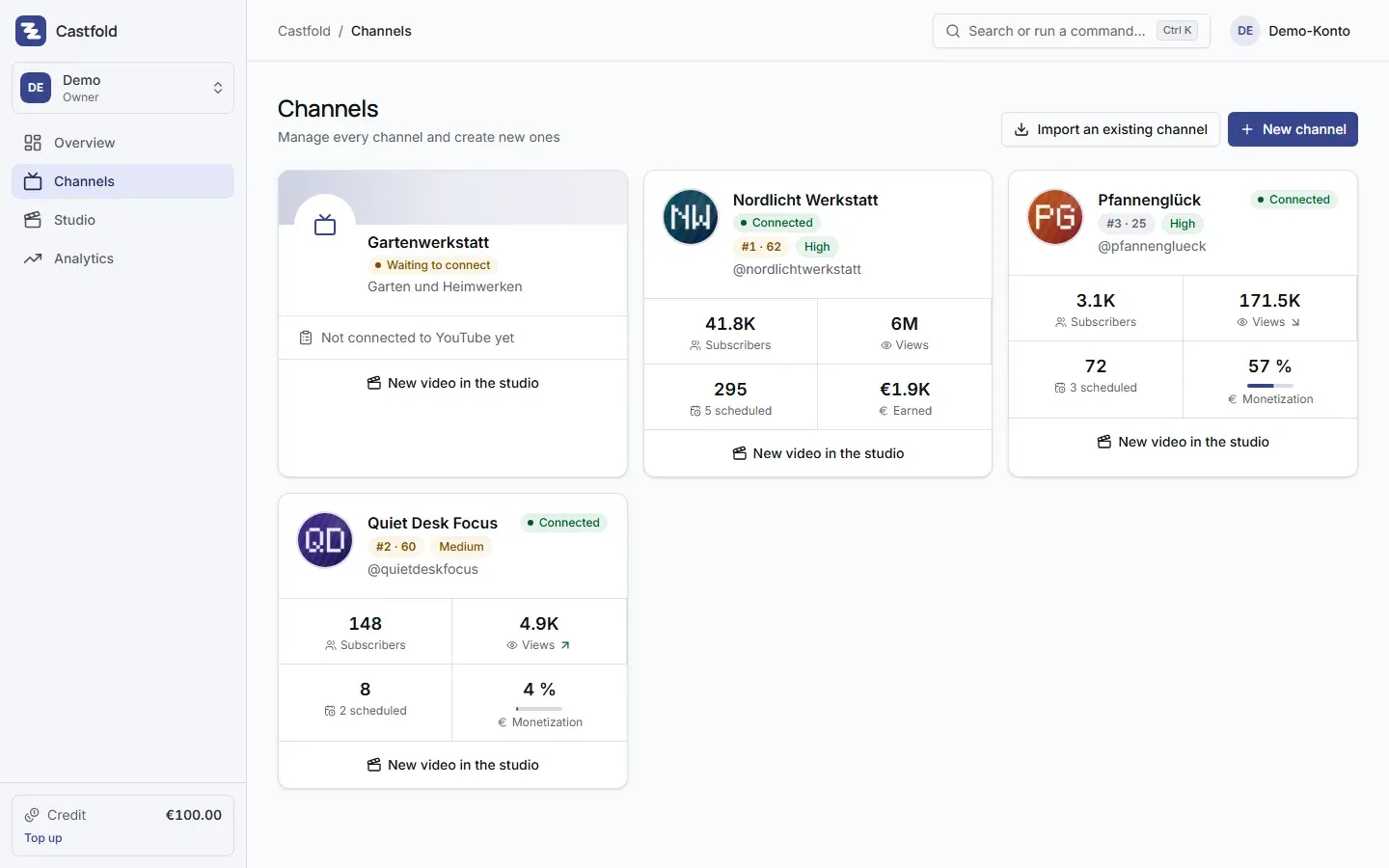
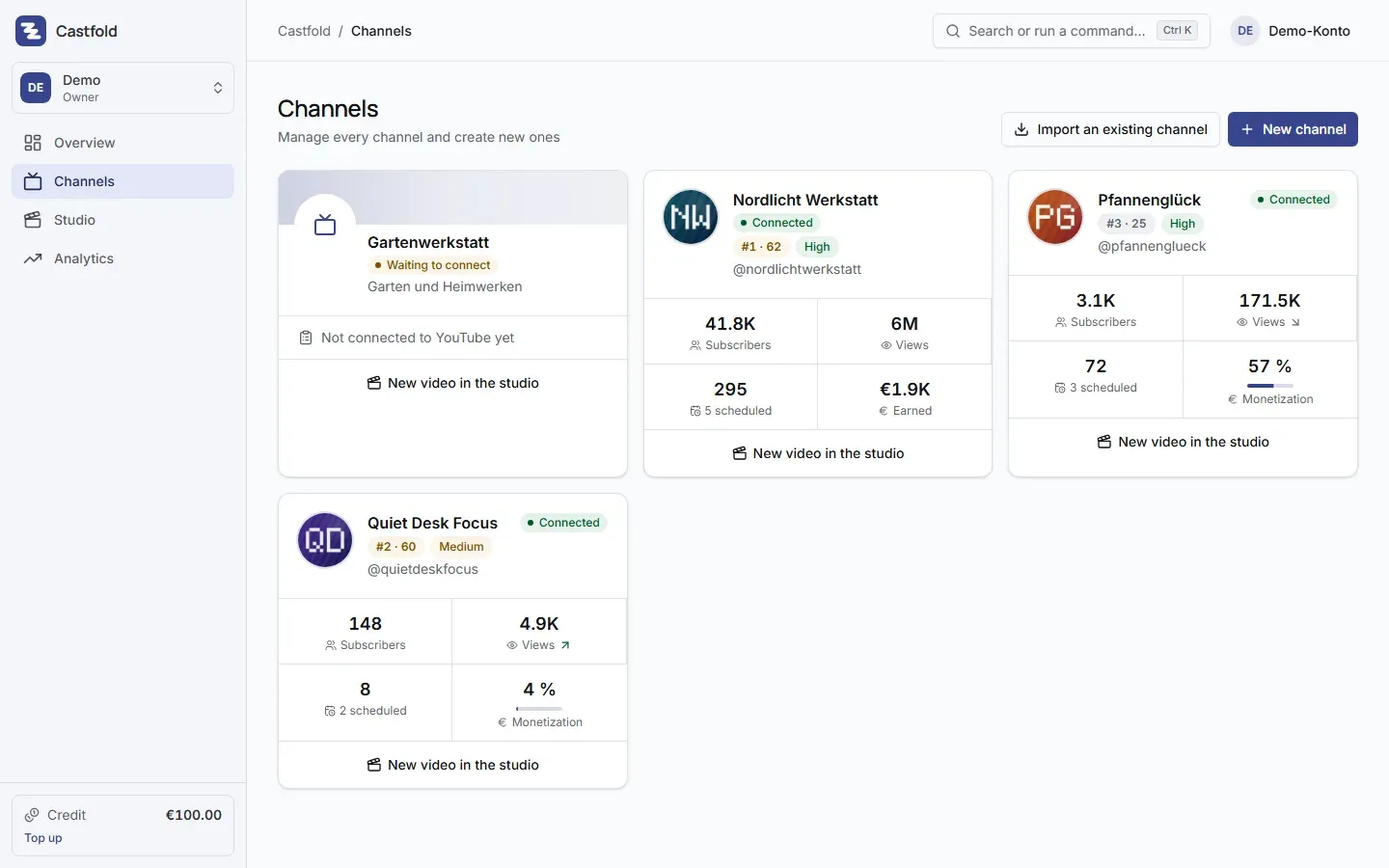
Channel overview with connection status, subscribers, views and import of existing channels
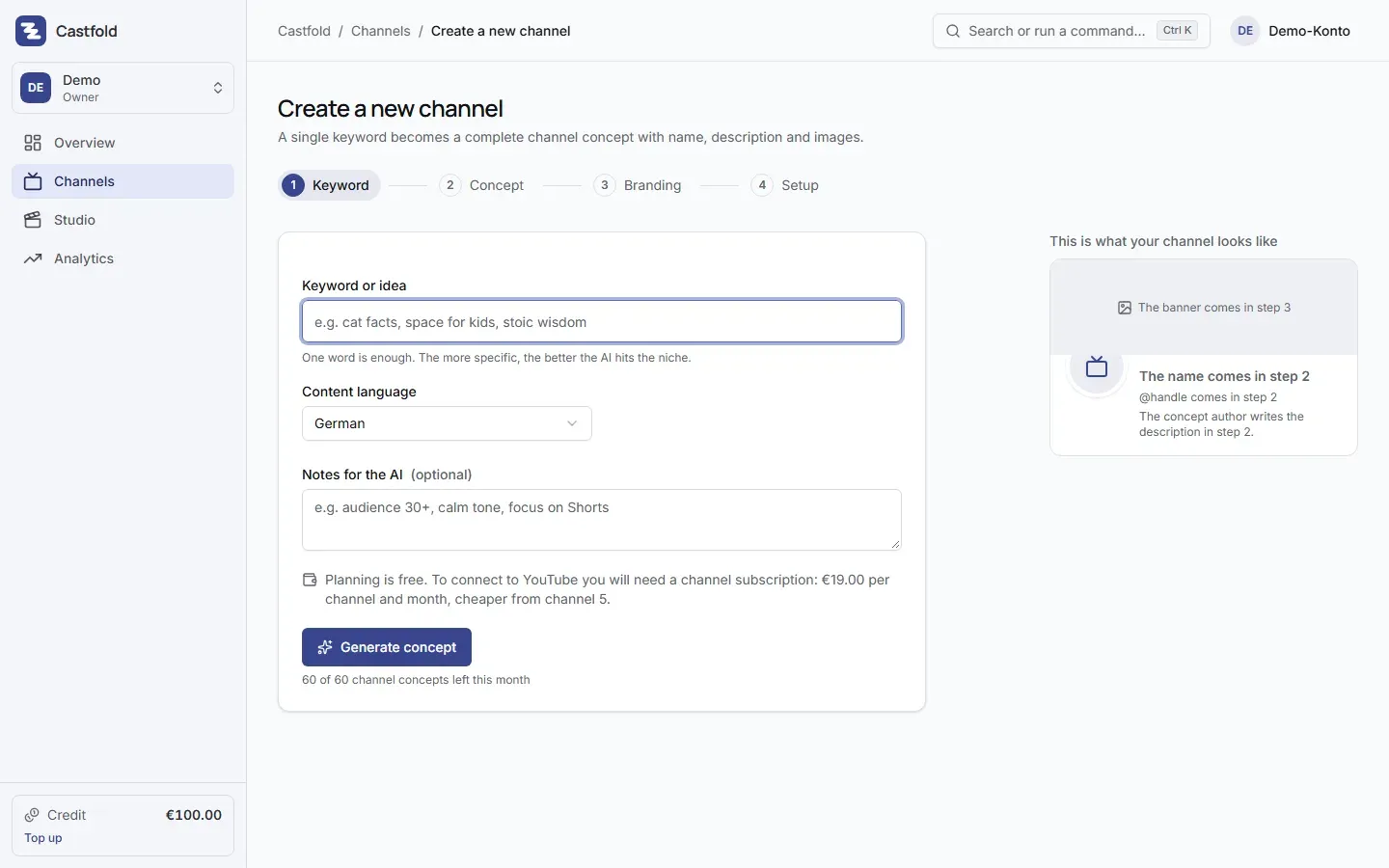
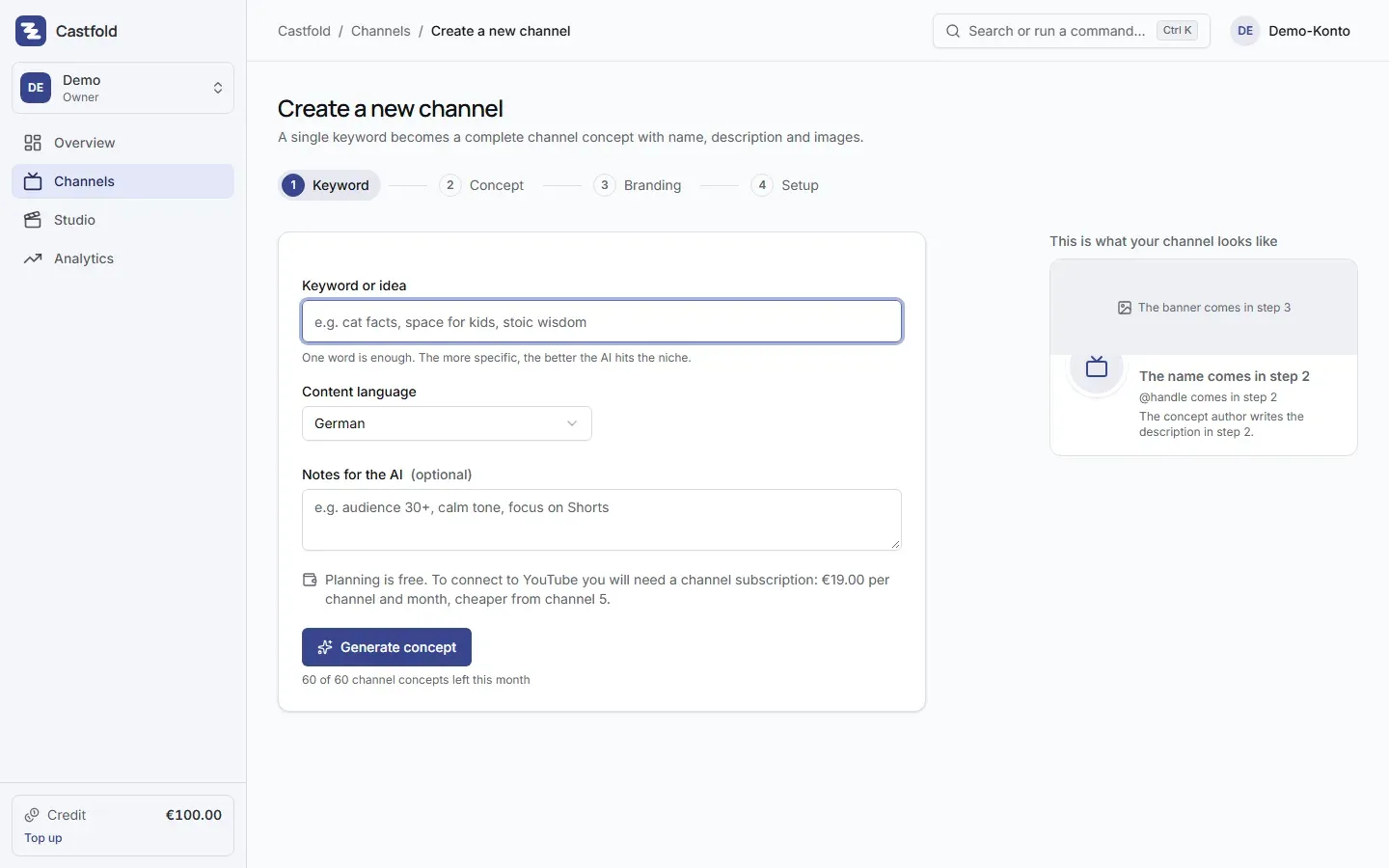
Create a new channel: a keyword becomes a channel concept with name, description and images
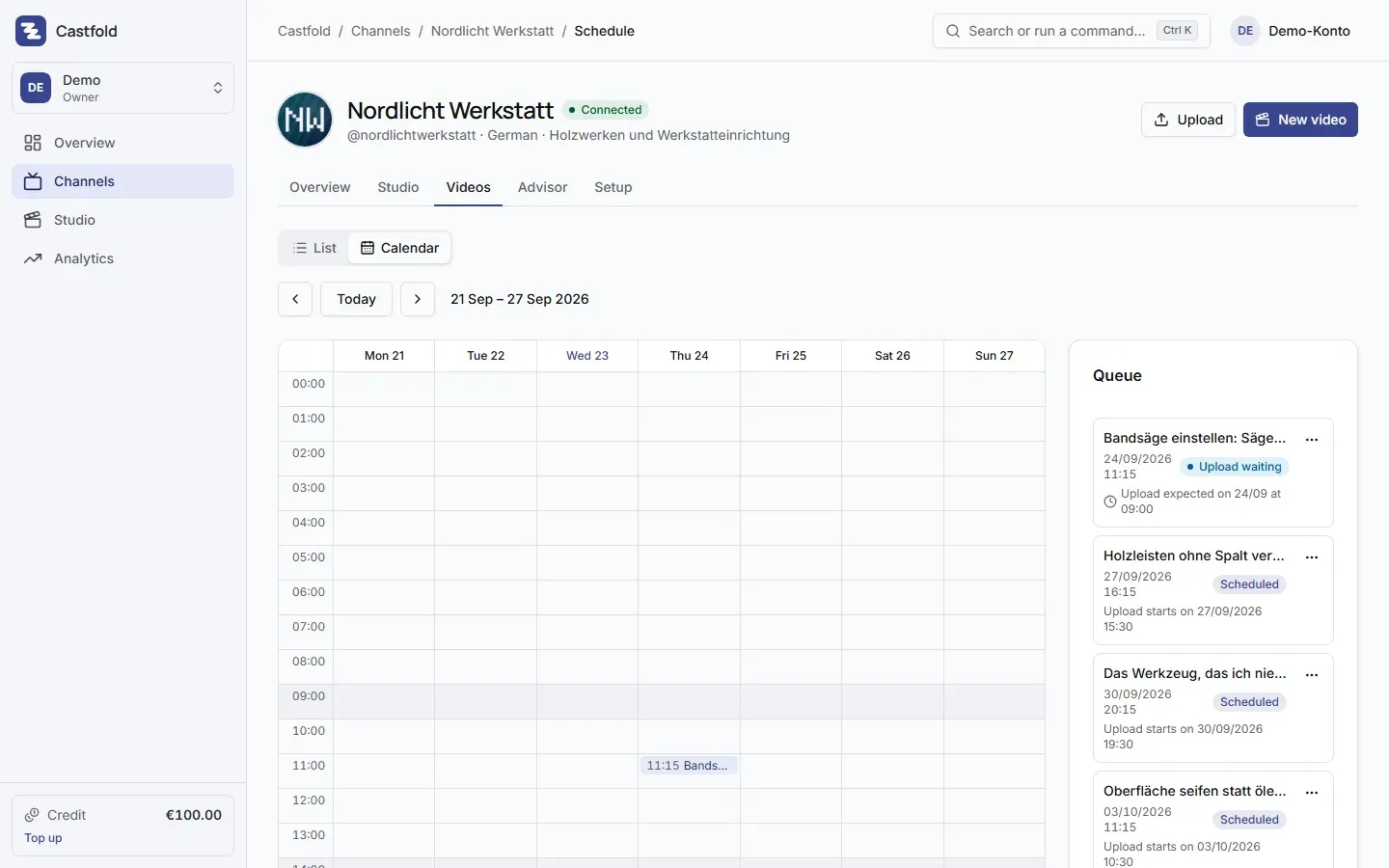
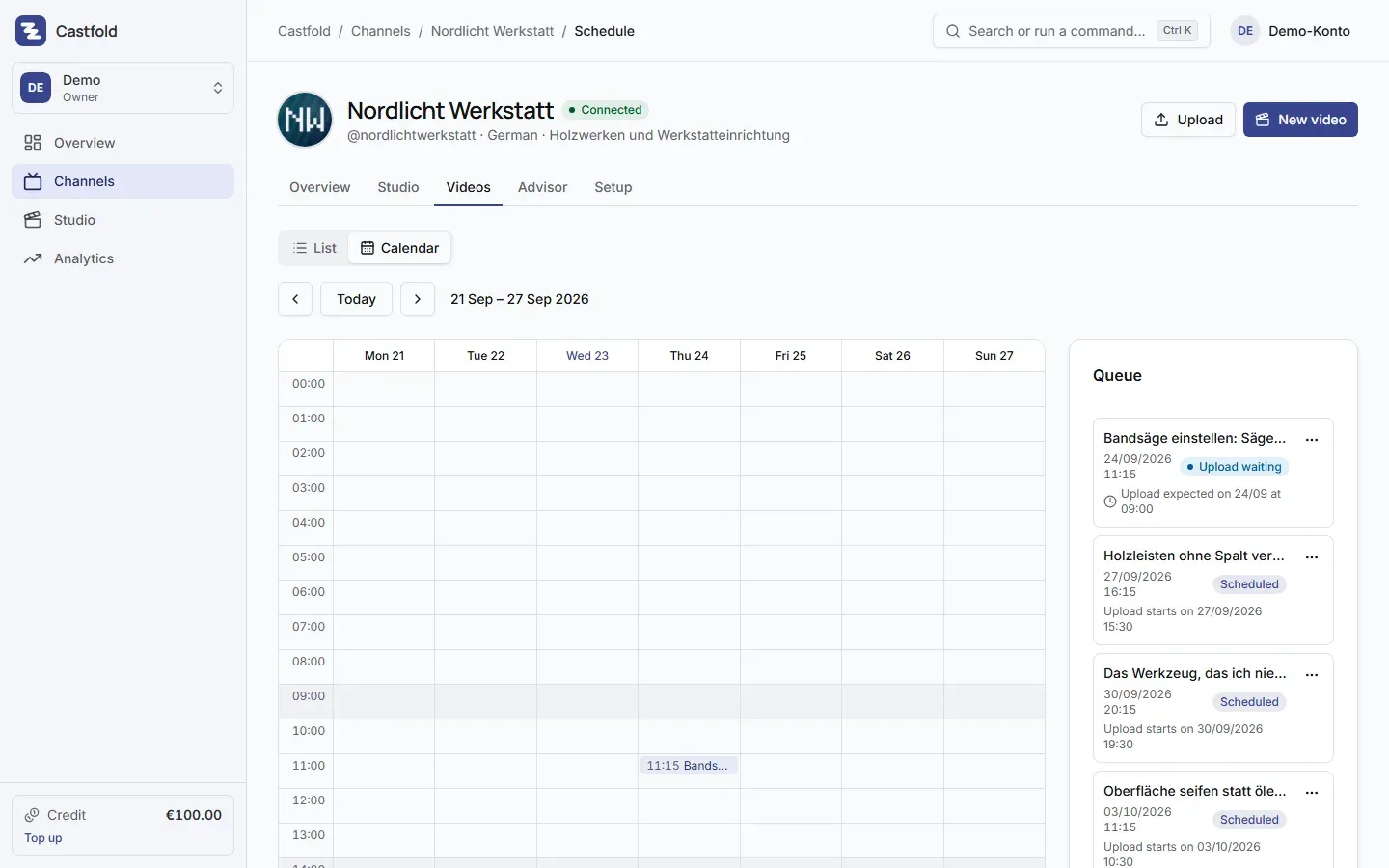
Scheduling for one channel: weekly calendar and queue of scheduled uploads
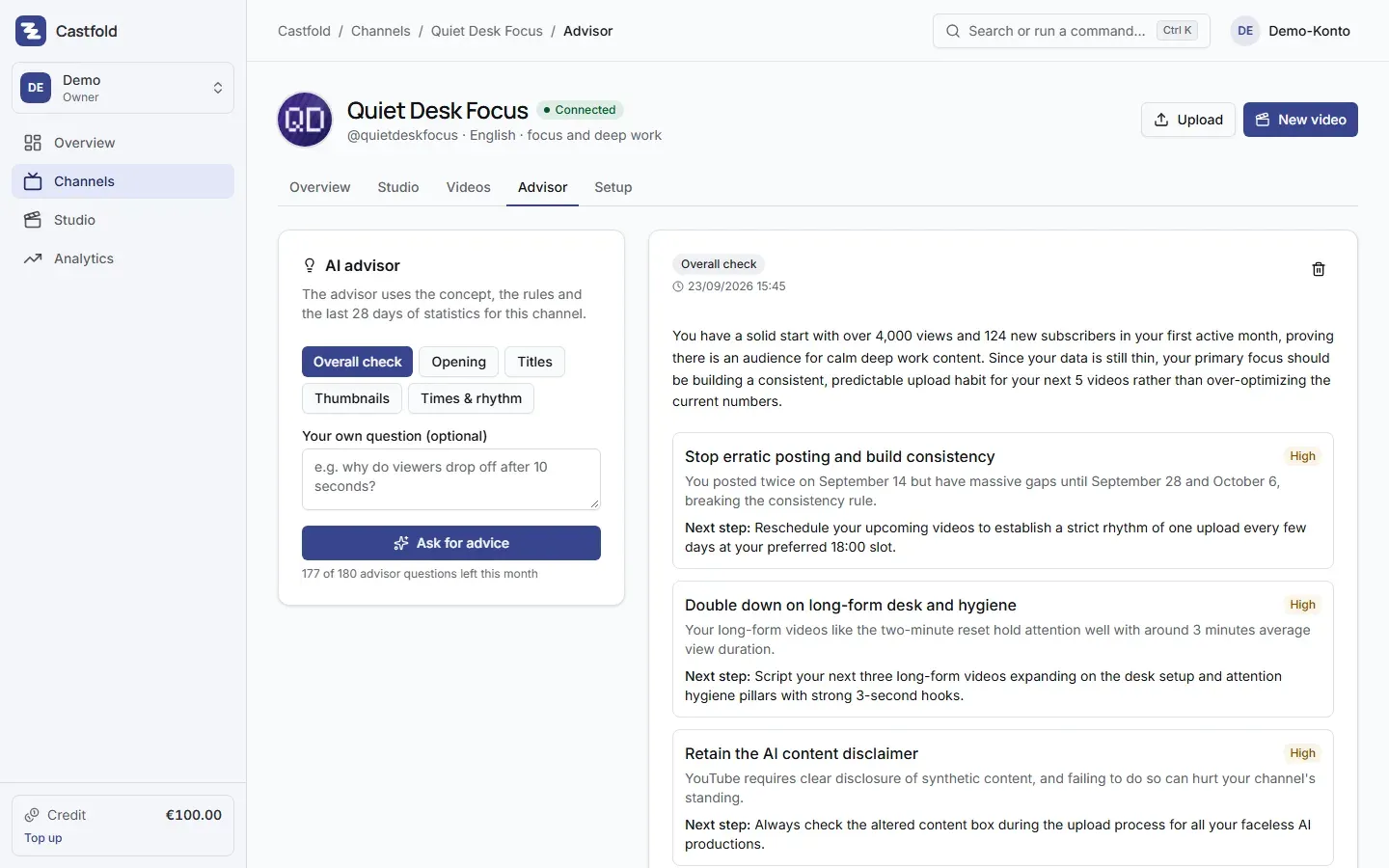
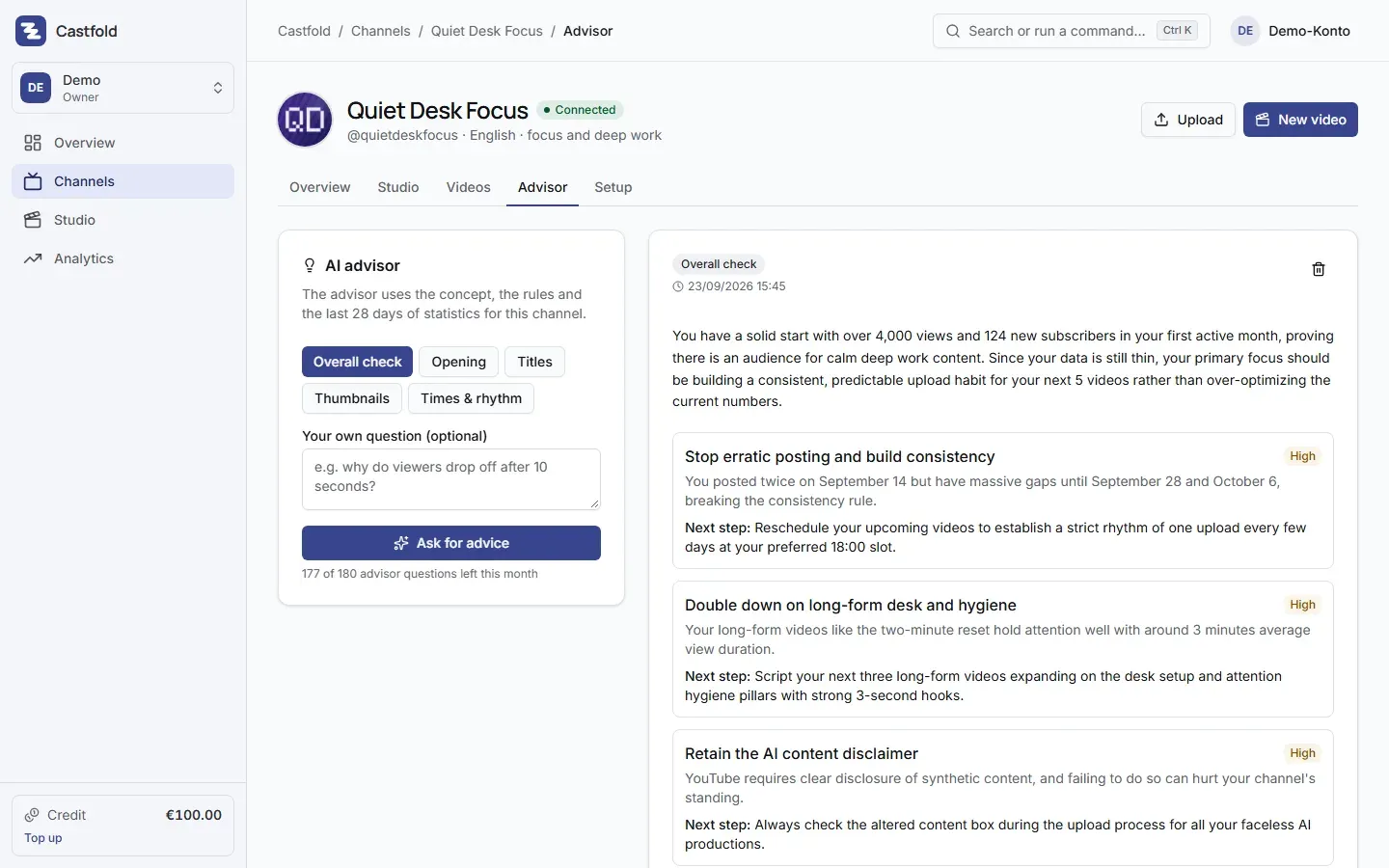
AI advisor for one channel: overall check with prioritised recommendations and a next step
06
Pricing
All prices incl. 19 % VAT. Paused channels cost nothing. The video studio is billed on top by usage, against a fixed price list and with a confirmed maximum price before every run.
Channel subscription, channels 1–4
€19per active channel per month, incl. 19 % VAT
Channel subscription, channels 5–14
€15per channel per month from the 5th channel, incl. 19 % VAT
Channel subscription, from channel 15
€12per channel per month from the 15th channel, incl. 19 % VAT
07
Frequently asked
What does Castfold cost?
Every active channel costs €19 per month incl. 19 % VAT, €15 from the fifth channel of an account and €12 from the fifteenth. Five channels therefore cost 4 × €19 + 1 × €15 = €91 per month. Included are concepts, setup, import, scheduling, analytics, insights, the AI advisor and metadata AI, up to an amount per channel and month. Only the video studio is billed on top, by usage. Paused channels cost nothing.
Can I try Castfold before I pay?
Yes. Creating an account is free. Without a channel subscription you can create and plan channels and get a smaller amount of AI to try it out. Every new account receives €5 starter credit, which covers a trial video in the studio; the credit expires 30 days after it is granted. A channel is only booked once you connect it to YouTube. The channel subscription runs monthly and can be cancelled with effect from the end of the billing month.
Does Castfold create the YouTube channels for me?
No, YouTube does not allow that through its API. Castfold prepares name, handle, description, avatar and banner and walks you through the manual steps on YouTube with a checklist. After connecting, Castfold shows you the channel it found; only once you confirm it is yours does it transfer name, description, keywords and banner.
How much does a video cost in the studio?
That depends on length and scene sources. Billing follows a fixed price list per clip second, still, voice minute and thumbnail. As an example, a 20-second Short starts at about €2 and a 5-minute long-form video at about €15, each incl. 19 % VAT. Before every run you confirm the maximum price; you are never charged more.
Do I need a separate Google account for every channel?
No. Brand channels hang off one Google account. You connect each channel once and pick the matching brand account in the Google dialog. You can disconnect at any time in Castfold or in your Google security settings.
Can several team members work on one account?
Yes. You invite team members to your account by e-mail; they sign in without a password, with a code sent to their e-mail address, and an invitation can be withdrawn at any time. Agencies keep client channels in separate accounts, each with its own channels, data and AI costs.